Alignment Sheet Software For AutoCAD
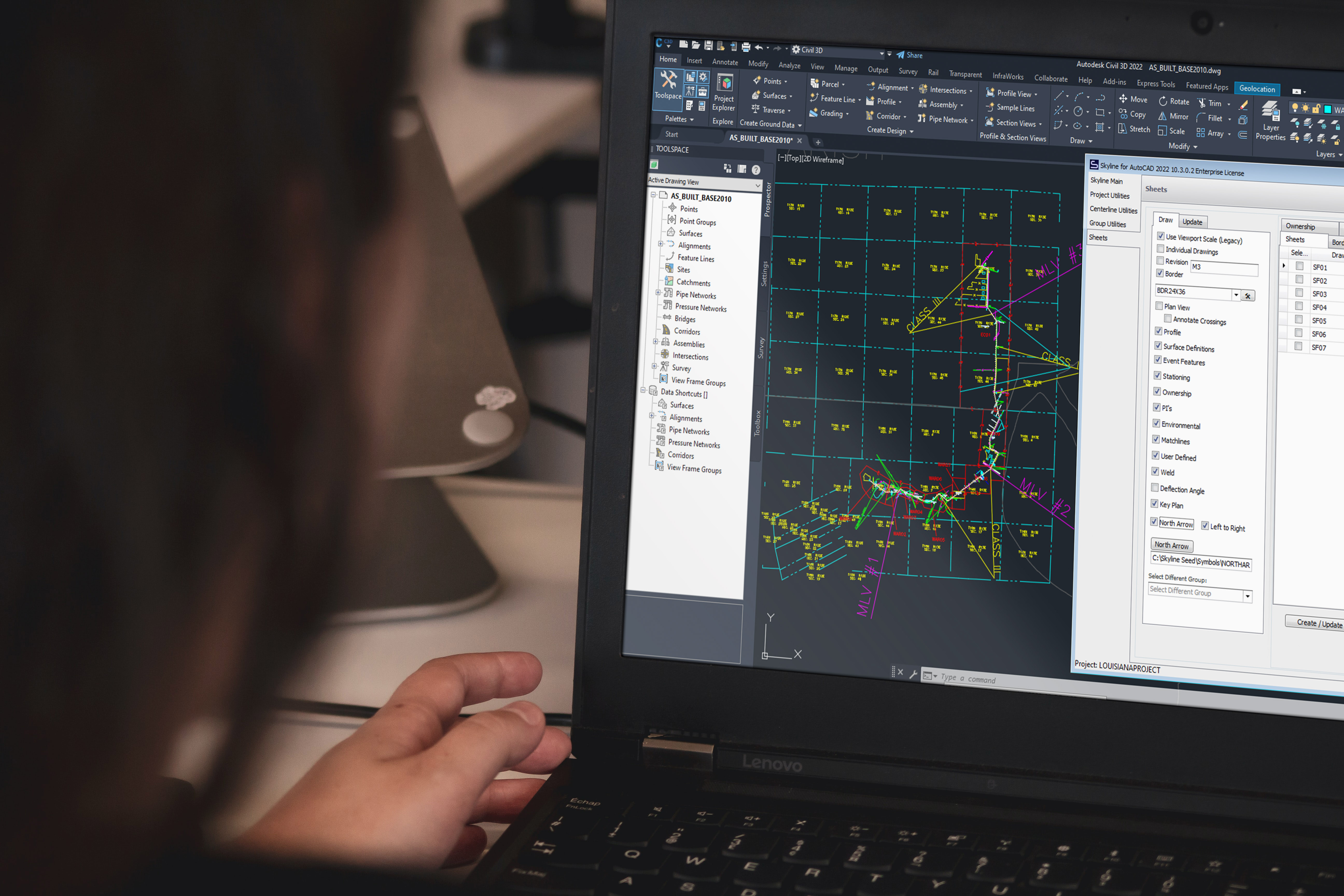
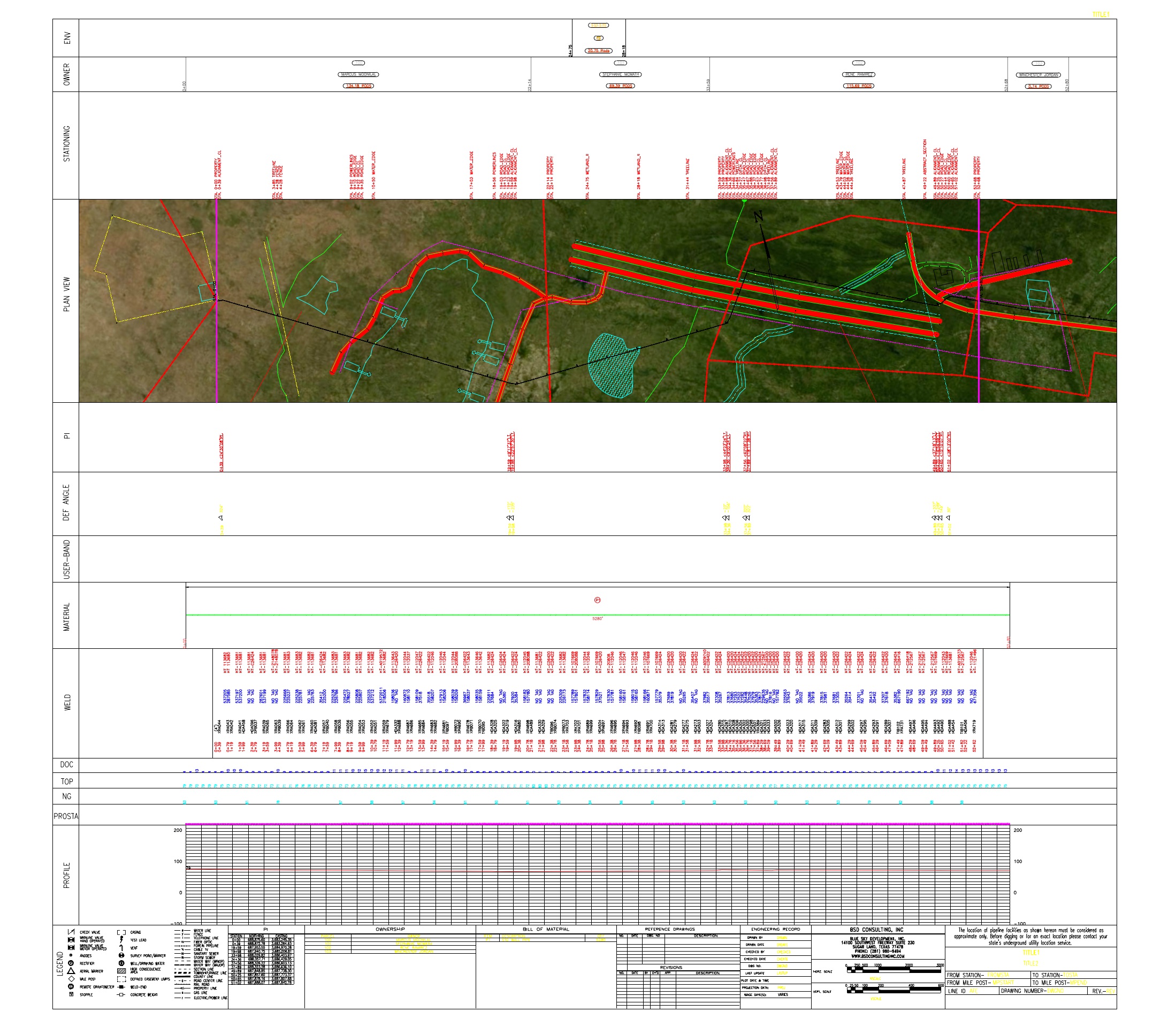
Creating extremely accurate, highly detailed alignment sheets has never been easier. A powerful database and streamlined interfaces accelerate your workflow and enable you to process changes faster than ever.
Looking for sheets in ArcGIS Pro? Try Lightning NexGen
Respond fast to project changes. You can easily import new data from tons of sources, without having to restart any work you've already completed. Skyline keeps records of calculated linear referencing, so sheets are always ready to run.
Skyline has the unique ability to update sheets with only new imported information instead of starting over.
Speed for processing project changes determines timelines and budget.
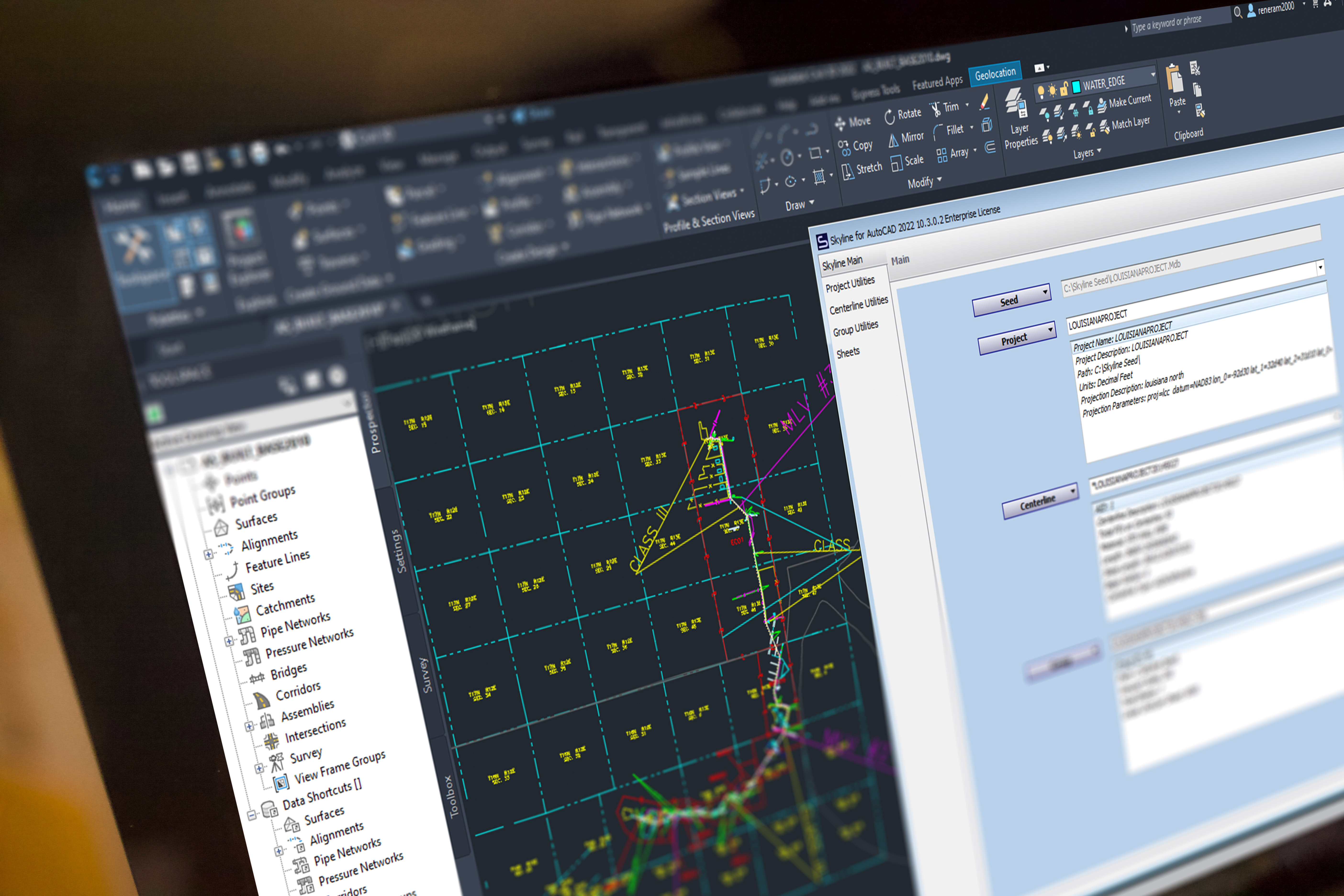
Integrate symbols, styles and borders already created in AutoCAD for fast setup.
With thousands of optional settings, Skyline is designed for you to easily create the sheets you need.
Element collision detection and whitespace management keep sheets pristine.
Scale, offsets, and whitespace management enable fast generation with minimal editing.
Skyline meets hundreds of client requirements with regular software updates.
Skyline calculates the 2D and 3D linear referencing, and stores it in an open database for easy reporting and delivery.
You can easily switch between slope and horizontal stationing, since Skyline stores both kinds of calculations in the database.
Station equations are easily managed and applied. You can stack multiple equations on top of each other. And if you've made a mistake, you can always revert back to the original station values.
Skyline will calculate stations for any point, line or polygon in your project. Even offset features will be given an offset station value. Additionally, all of this data is stored in a database. Attend our Blue Sky Certification course to learn how to extract and put this data to use in new and valuable ways.
When you map with Skyline, you can run projects through any phase throughout the life of an asset, including design, construction, as-built and asset integrity.
Now you can manage the constant iterations inherent in the design phase of a project. Take whatever engineering throws at you and respond instantly with pristine alignment sheets.
The as-built phase has the most intense data-management needs. Approach your project with the confidence that your alignment sheets will be accurate, and reflect what was built.
Skyline is used regularly for maintenance work, and reporting on asset integrity. Use the powerful graphing features to create the most compelling integrity graphs in the industry.
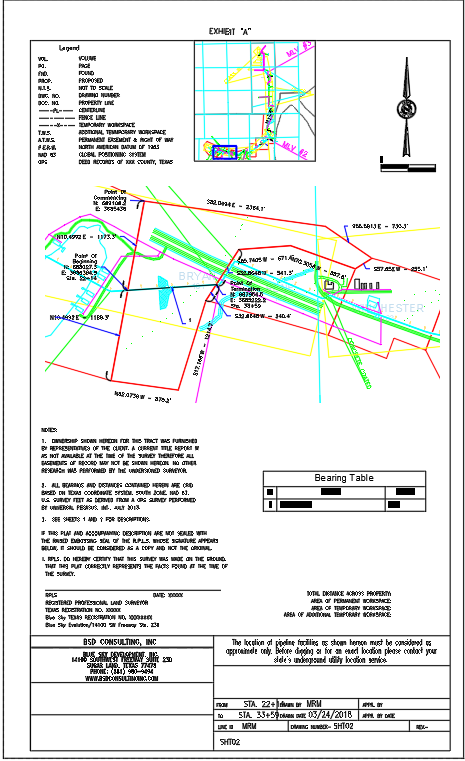
Generating plats has never been faster. Or easier. See More →
Minimize rework and get a clean drawing quickly with automatic annotations, labels, and title block elements.
Skyline plat is fast, regardless of your project size. Tables, labels and a massive amount of details are automatically created for you.
Easily import your own border into Skyline. Skyline will read the draw areas and adapt to the way that you do plats today.
Reports Extension
In design and construction, things move fast. When your customer needs information, get it to them fast with the Skyline Reports extension — now with AI-powered report generation that turns your project data into polished deliverables in seconds.
Get started now.
Schedule a live demo with our team.
Reserve your training day.
Cut sheets faster and deliver on time.